Portable Gaming Monitors: What Actually Matters for Smooth Play on the Move
Compare portable gaming monitors by refresh rate, resolution, and power limits to find the right travel display for laptops, consoles, and handhelds.
FieldSpec Cartography
We publish specification-research guides for hybrid professionals comparing direct-import displays. Every recommendation path focuses on listing clarity: connection type, power expectations, panel visibility claims, and carry footprint trade-offs.
Research status
This publication audits seller-provided documentation and listing details. We do not claim lab measurements, teardown evidence, or hands-on calibration results.
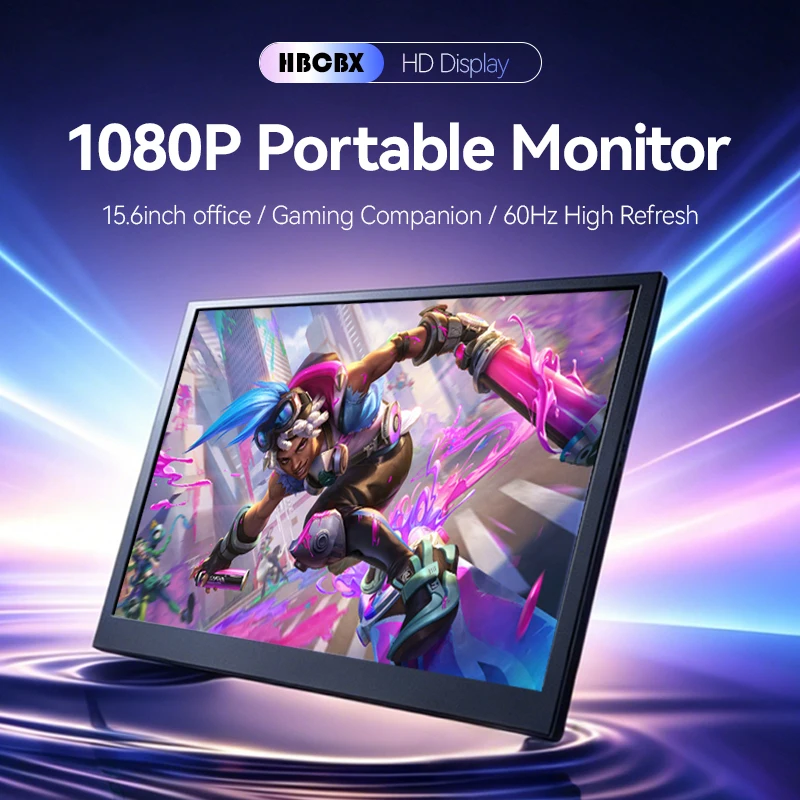
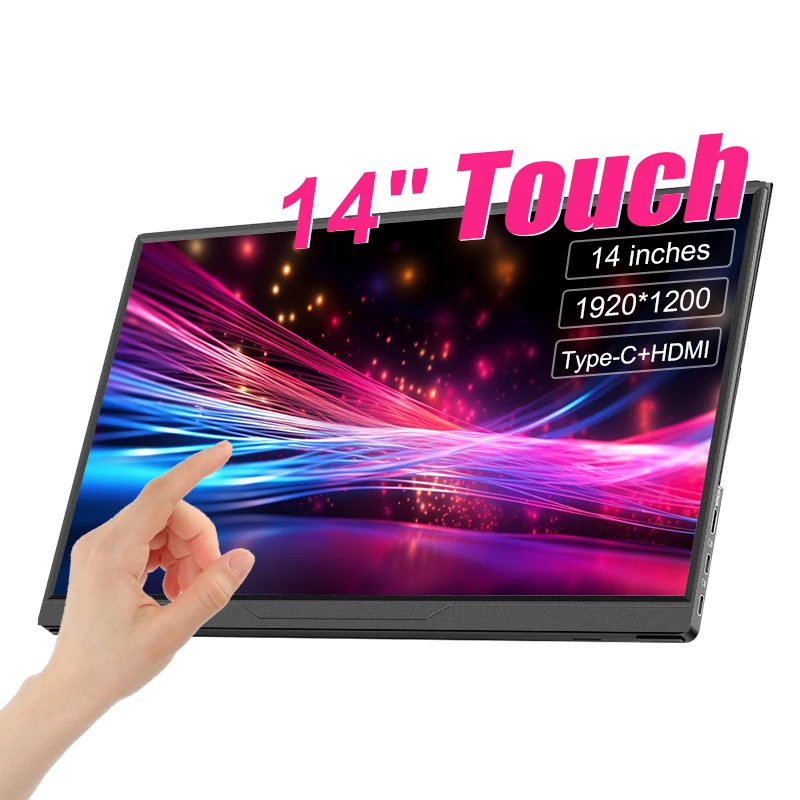
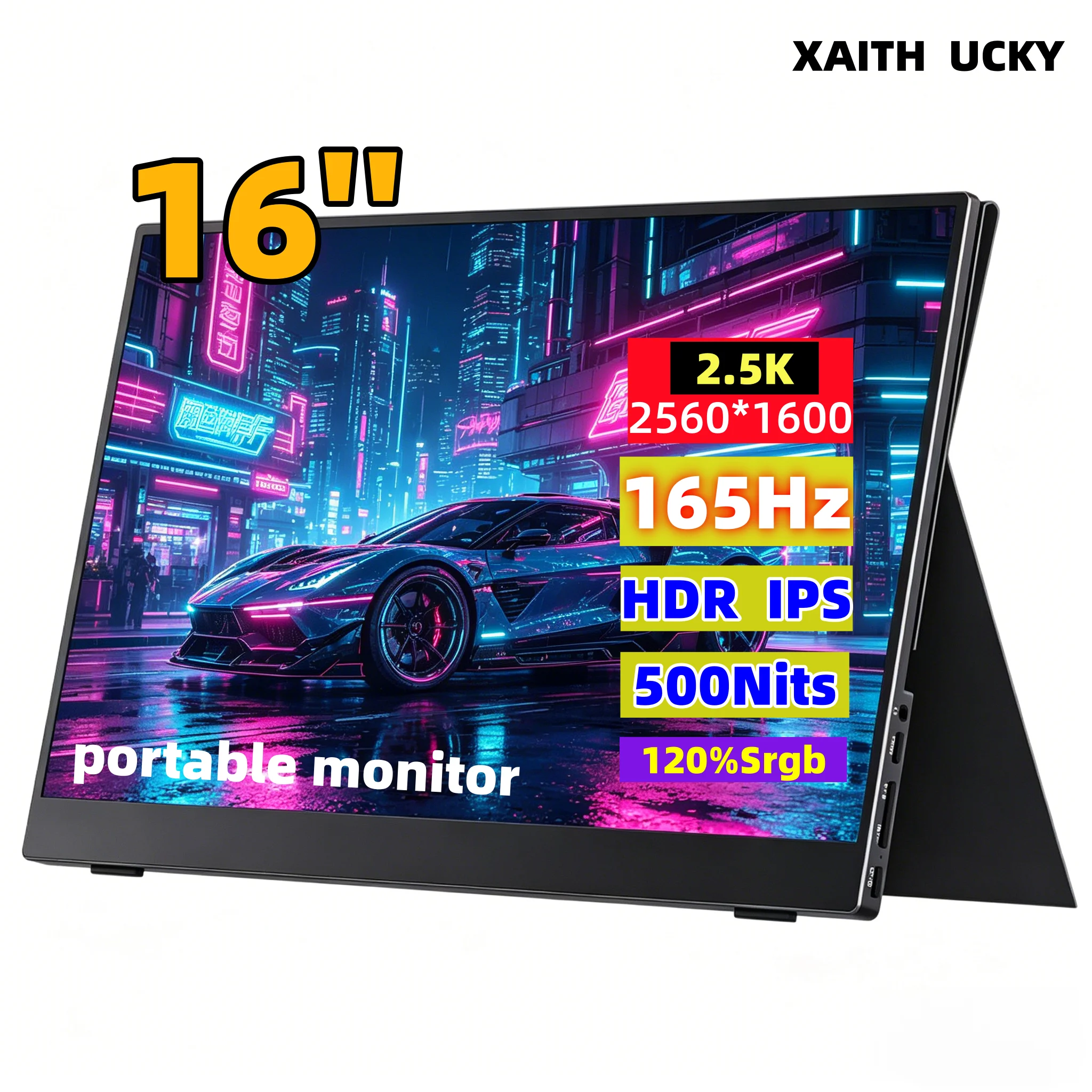
Use these checks to filter listings before comparing price or refresh-rate marketing.
Does the listing clearly explain full-function USB-C video support, or require HDMI plus separate power? Are adapter dependencies spelled out for your laptop ports?
Is carry weight disclosed, and does the stand or folio angle appear stable for shallow cafe tables and travel trays?
Are panel brightness and finish described with enough context to judge glare risk in mixed indoor daylight, not just headline numbers?
Start with current publications, then follow methodology and policy pages for how comparisons are produced.
Compare portable gaming monitors by refresh rate, resolution, and power limits to find the right travel display for laptops, consoles, and handhelds.
Learn how to connect a portable monitor to your laptop using USB-C or HDMI. Step-by-step setup, display configuration, and power troubleshooting.

Compare 13.3-inch OLED and 16-inch IPS portable monitors for travel. Learn how panel types, resolution, and USB-C power impact mobile workflows.