If you buy through AltMode Desk links, we may earn a commission at no extra cost to you. How AltMode Desk affiliate links work
Working efficiently from airport lounges, hotel desks, or shared workspaces usually falls apart on a single 13- or 14-inch laptop screen. Adding a secondary display eliminates constant window toggling, but hauling an extra screen introduces real friction: bag weight, delicate panels, stand stability, and battery drain.
According to field-testing guidance from We Must Be Geeks, portable monitors generally fall into two categories: standard IPS panels that provide reliable everyday document workspaces, and OLED upgrades that deliver superior contrast and rich color at higher price points. When packing for travel, physical weight and single-cable USB-C DisplayPort Alternate Mode (DP Alt Mode) connectivity dictate whether a display streamlines your day or clutters your bag.
Key Travel Criteria: What Matters in Transit
Before examining specific models, consider the four constraints that govern mobile dual-screen setups:
- Form Factor & Aspect Ratio: While 16:9 displays (1920×1080) are widespread, 16:10 aspect ratios (such as 1920×1200 or 2560×1600) deliver extra vertical lines. That vertical room reduces scrolling in word processors, code editors, and data tables.
- Panel Technology (IPS vs. OLED): IPS displays are the standard baseline for mobile office productivity—offering stable viewing angles and predictable power consumption. OLED panels produce true blacks, vibrant saturation, and high color volume, but may draw higher power when displaying full-screen white documents.
- Power Draw from Host Laptop: Running a second monitor over a single USB-C cable draws power directly from your laptop battery. Pushing high brightness (400–500 nits) or high refresh rates (120Hz+) increases battery consumption rapidly when disconnected from wall power.
- Stands and Protection: An integrated kickstand or a sturdy folding cover prevents accidental tip-overs on uneven desks. When packing, rigid covers prevent pressure cracks inside tightly packed backpacks.
Compact Color Precision: 13.3-Inch OLED
For minimalists and creators traveling with slim 13-inch notebooks, a compact footprint minimizes both backpack bulk and desk real estate.

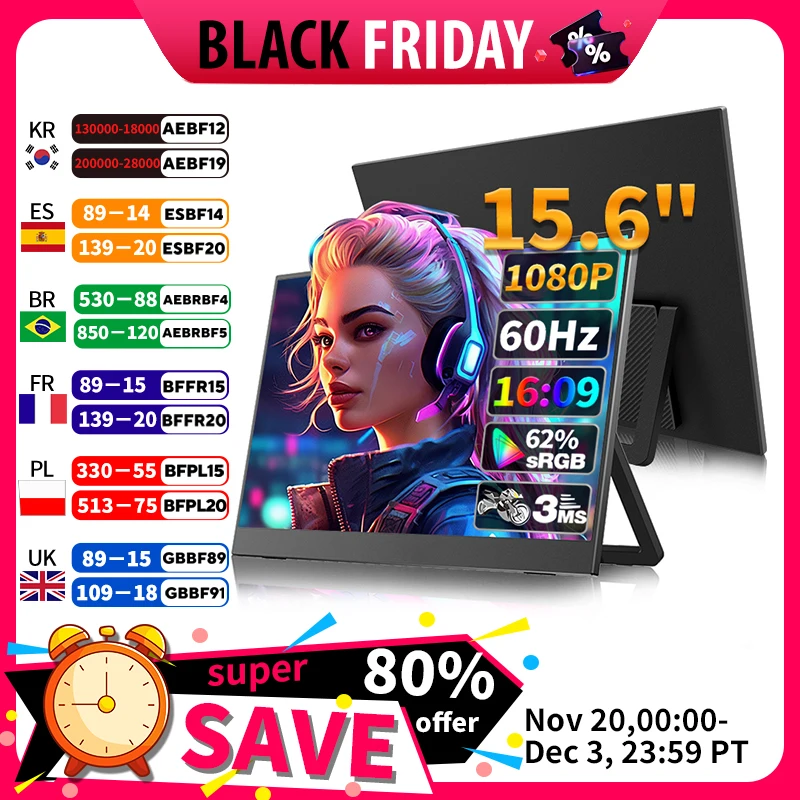
The VCHANCE 13.3-inch OLED Monitor targets travelers who prioritize contrast and packability over sheer screen size. With an advertised 1080p resolution and stated 100% DCI-P3 color gamut, an OLED panel at this size yields dense, crisp text and vibrant media playback. Its metal frame and included stand eliminate the need for third-party props on small cafe tables.
Travel Fit: Ideal for creative professionals, video reviewers, and digital nomads using compact laptop sleeves who want premium color rendition without the bulk of a 16-inch slab.
Mobile Limitations: A 13.3-inch 16:9 screen provides limited space for side-by-side multitasking compared to 16-inch alternatives. Exact weight and cable inclusions are not specified in listing details; verify what cables come in the box before departing.
High-Brightness Multitasking: 16-Inch 2K Displays
Stepping up to a 16-inch panel with a 16:10 aspect ratio dramatically expands productivity, allowing two full documents to sit comfortably side by side.
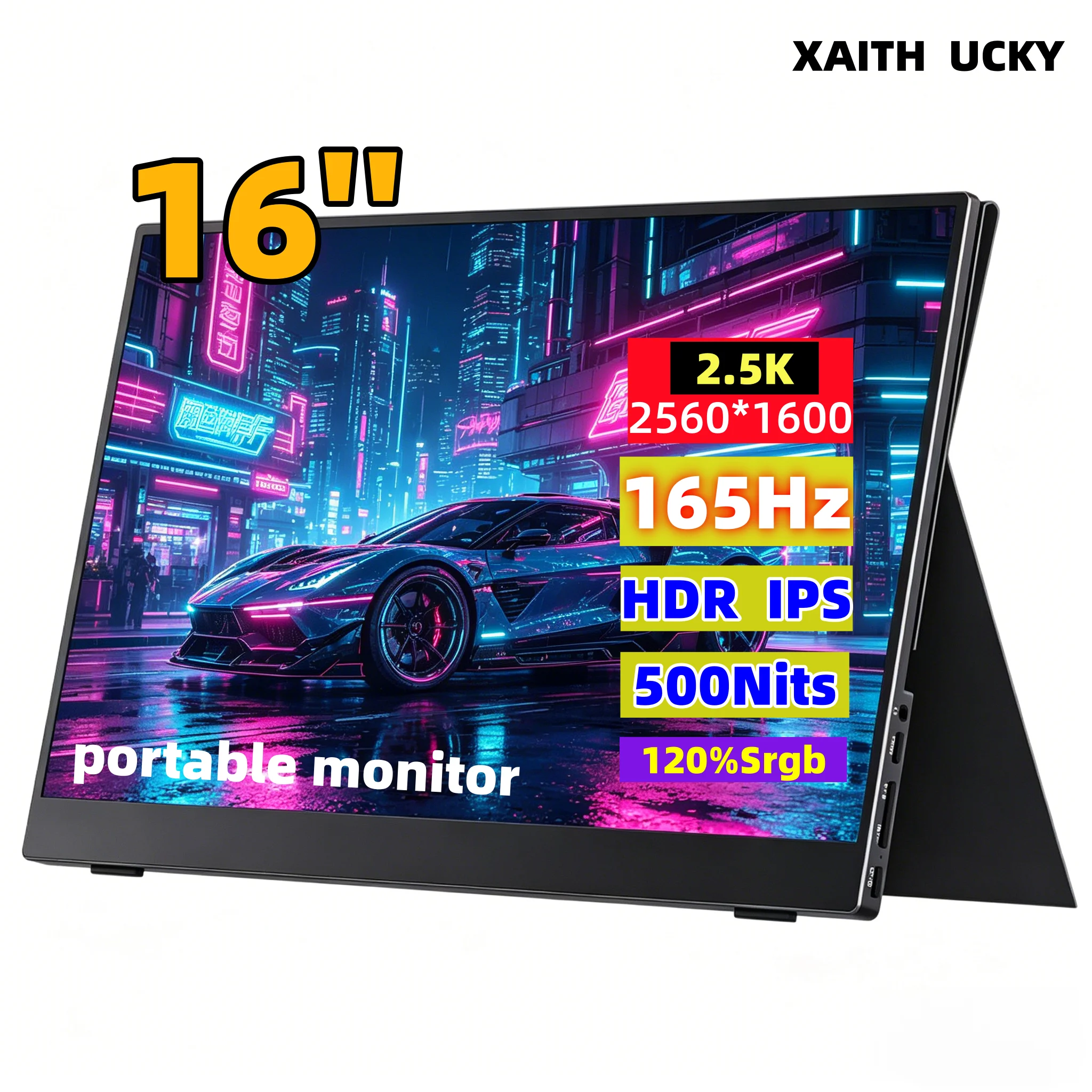
The XAITH UCKY 16-Inch 2K Monitor advertises an assertive set of performance specifications: a 2560×1600 resolution, up to 500 nits stated brightness, 120% sRGB color coverage, and a 165Hz refresh rate with HDR support. Dual USB-C and HDMI connectivity support both laptops and handheld gaming gear.
Travel Fit: Travelers who work in daylight-lit hotel rooms or sunlit cafes where typical 250–300 nit screens wash out. The 165Hz refresh rate also doubles as a fluid secondary gaming screen.
Mobile Limitations: Driving 2560×1600 at 165Hz and maximum brightness will accelerate laptop battery drain over a single cable. In battery-only work sessions, dial down the refresh rate and brightness in your operating system display settings to preserve runtime.
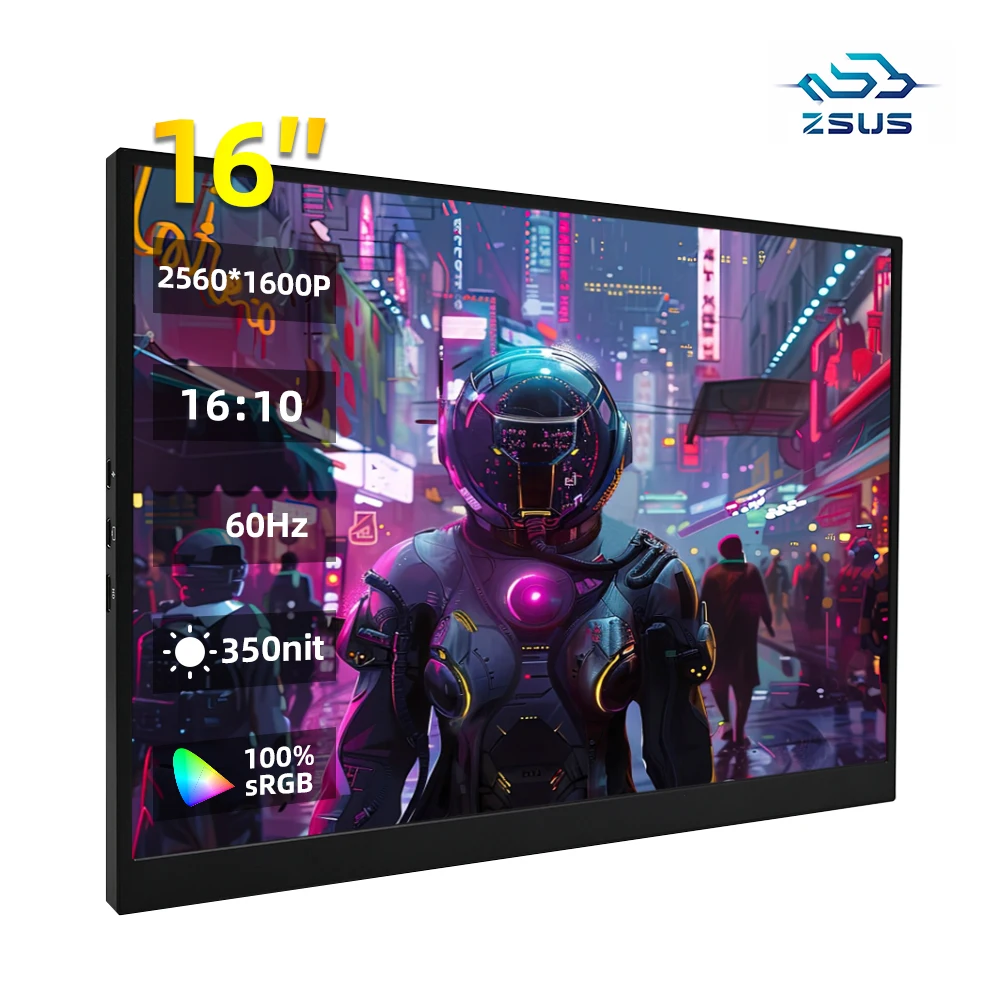
The ZSUS 16-Inch 2K IPS Monitor offers a balanced alternative for travelers who want sharp 1600P text without paying for extreme gaming refresh rates. Advertising 2560×1600 resolution and 100% sRGB on an IPS panel, it provides the pixel density needed to run operating system scaling smoothly while keeping text razor-sharp.
Travel Fit: Remote workers, writers, and data analysts who need substantial screen real estate and clear typography during multi-hour remote work sprints.
Mobile Limitations: The listing does not publish a verified chassis weight or peak nit rating. Check whether an auxiliary power brick is recommended when connecting over mini-HDMI versus USB-C.
Budget-Focused Essentials: 16-Inch 1200P
Not every travel setup requires high-resolution scaling or wide color gamuts. Standard document review, terminal windows, and communication dashboards operate comfortably at 1200P.
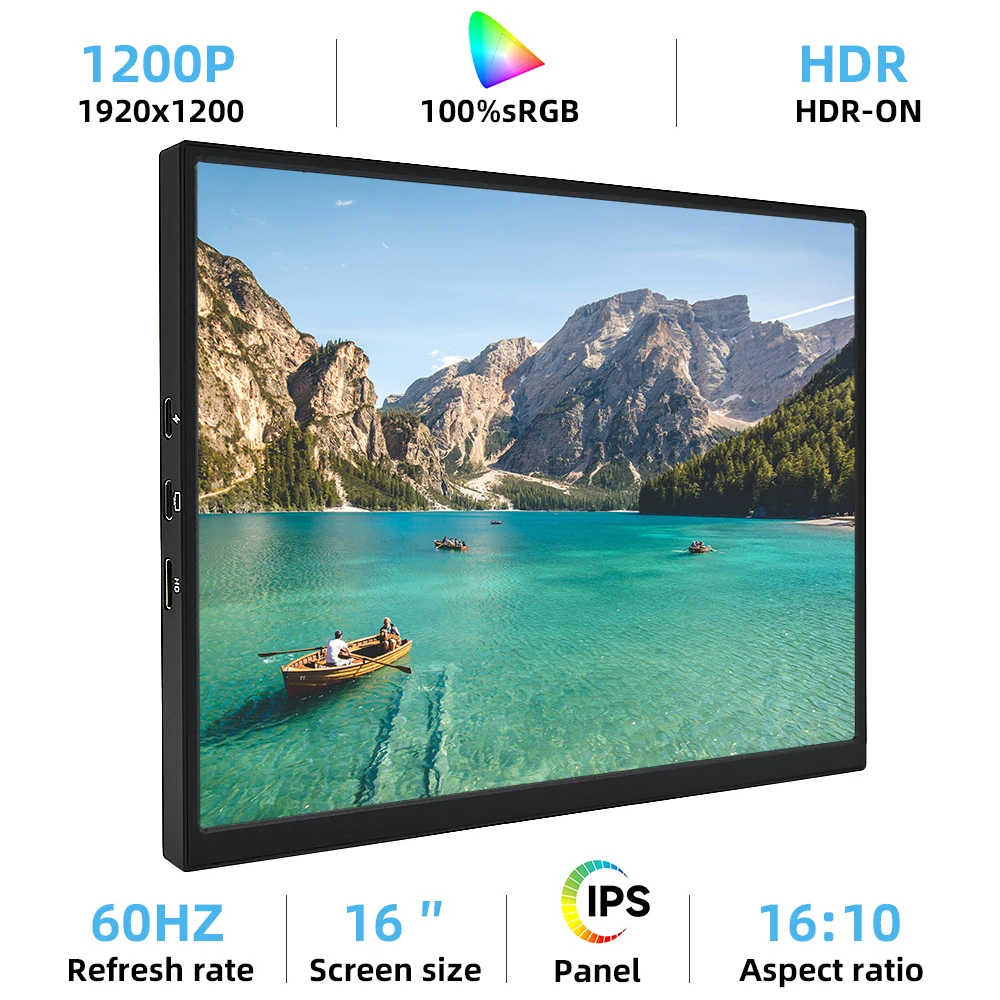
The ZSUS 16-Inch 1200P IPS Monitor delivers an entry-level mobile workspace. Its advertised 1920×1200 resolution preserves the productivity-friendly 16:10 aspect ratio while keeping hardware processing demands low. Because driving 1200P places less strain on standard integrated laptop GPUs than 2K or 4K panels, it represents an efficient secondary screen for everyday office tasks.
Travel Fit: Budget-conscious travelers needing a reliable second screen for email, spreadsheets, and video calls without a large financial outlay.
Mobile Limitations: At 16 inches, 1200P offers lower pixel density than 1600P panels; fine font rendering will appear softer up close. Like other marketplace listings, port durability and stand stability should be inspected upon unboxing.
Specification Comparison
| Model | Screen Size | Advertised Resolution | Panel Type | Stated Color / Refresh | Reference Price* |
|---|---|---|---|---|---|
| VCHANCE OLED | 13.3" | 1920×1080 (16:9) | OLED | 100% DCI-P3 / Standard | ~$140.29 |
| XAITH UCKY 2K | 16.0" | 2560×1600 (16:10) | IPS | 120% sRGB / 165Hz / 500 nits | ~$127.49 |
| ZSUS 2K IPS | 16.0" | 2560×1600 (16:10) | IPS | 100% sRGB / Standard | ~$101.09 |
| ZSUS 1200P IPS | 16.0" | 1920×1200 (16:10) | IPS | 100% sRGB / Standard | ~$77.19 |
*Marketplace reference prices recorded October 2026; subject to merchant adjustment. Specifications reflect seller listing claims rather than independent lab benchmarks.
Pre-Purchase Travel Checklist
Before ordering an external display for your next trip, run through these practical compatibility checks:
- Verify USB-C Port Specs: Confirm that your laptop’s USB-C port supports DisplayPort Alt Mode. Standard data-only USB-C ports cannot transmit video without a specialized adapter.
- Check Cable Inclusions: Most listings bundle basic cables, but verify whether a full-featured USB-C to USB-C cable (supporting video and power) and a mini-HDMI to HDMI cable are included in the package.
- Pack a Dedicated Charger for High-Brightness Use: While single-cable operation works for short sessions, running high-resolution panels at 400+ nits can cause screen flickering if your laptop limits bus power. Carry a compact GaN charger capable of delivering power directly to the monitor's secondary USB-C port.
- Measure Backpack Compartments: A 16-inch monitor typically measures around 14.5 inches wide. Check your laptop sleeve or travel pack dimensions to ensure both your computer and the auxiliary monitor slide in smoothly without excessive corner pressure.
Selecting the right travel monitor comes down to your personal travel style: choose the 13.3-inch OLED if weight and color fidelity take priority in transit, or opt for a 16-inch 16:10 IPS panel if daily spreadsheet and document workflows demand maximum screen real estate.